- What's Up in AI
- Posts
- Let These Tools Work For You !
Let These Tools Work For You !
Adobe but automated ?! 🤯

What's Up in AI
October 21, 2025
In partnership with


Welcome Back, AI Geeks!
This is Edition #9 of the Weekly Tool Deep Dive 🔍️
You want to know why should give your time to this tool issue? Well, 2 amazing tools as always and tadada… we covered ChatGPT. We know you have heard the ‘Most Useful Breakdown Ever’ too many many times so just scroll, read, apply and you’ll know we don’t hype for no reason.
Your challenge: Pick one tool and actually try it for 15 minutes
Master ChatGPT for Work Success

ChatGPT is revolutionizing how we work, but most people barely scratch the surface. Subscribe to Mindstream for free and unlock 5 essential resources including templates, workflows, and expert strategies for 2025. Whether you're writing emails, analyzing data, or streamlining tasks, this bundle shows you exactly how to save hours every week.
What it is:

While everyone's burning money on separate ChatGPT, Claude, and Gemini subscriptions, Lumio AI just gave creators and developers one dashboard to access them all. This India-based multi-model platform is trending hard in 2025 because it solves subscription fatigue—you get ChatGPT-4o, Claude 4 Sonnet, Gemini 2.5 Pro, Grok 3, and more models in one place with smart cost optimization.
Lumio AI positions itself as the affordable gateway for students, freelancers, and small teams who need enterprise-level AI flexibility without the enterprise price tag.
Why It's Trending:
80% of AI power users report "subscription fatigue" from managing multiple chatbot accounts, but switching between platforms mid-workflow kills productivity. Lumio AI compressed that chaos into one interface with side-by-side comparison and automatic model routing.
The platform's custom AI agents feature lets you build specialized assistants for content writing, coding, research, or customer support—without touching a line of code. Agencies and freelancers are switching because they can test prompts across multiple models instantly, then pick the best response.
Key Features:
Multi-model access: Chat with ChatGPT, Claude, Gemini, Grok, and DeepSeek from one dashboard—no more tab juggling
Smart cost optimization: AI automatically selects the cheapest model that can handle your query, saving you money on premium credits
Side-by-side comparison: Run the same prompt through three different AIs simultaneously and compare outputs in real-time
Custom AI agents: Build specialized bots for specific workflows that remember your preferences and style
Real-time model switching: Change models mid-conversation without losing context or starting over
Real Example: Content Agency Workflow
A content agency reduced their AI costs by 60% after switching to Lumio AI. Instead of paying for three separate Pro subscriptions ($60/month total), they use Lumio's smart routing to automatically assign tasks to the most cost-effective model. Simple social media captions get handled by cheaper models, while long-form SEO content goes to premium AIs. Result: Same quality output, fraction of the cost.
How to Set It Up in 30 Minutes

Sign up at lumioai.tech (free tier available to test)
Select your model manually or toggle "Auto" for smart selection
Type your prompt—works exactly like ChatGPT or any other chatbot
Compare responses—click "Compare" to run the same prompt through multiple AIs side-by-side
Create custom agents—go to "Agents" and describe your workflow (e.g., "SEO blog writer with casual tone")
Share with team—Pro plans let you share chats, agents, and collaborate in real-time
The platform depends on external LLM uptime, so if OpenAI goes down, ChatGPT won't work through Lumio either. For academic research requiring deep citations (like Perplexity), Lumio doesn't have that level of source integration yet. But for daily AI tasks where you need flexibility and affordability? It's a solid choice.
🎨What It Is

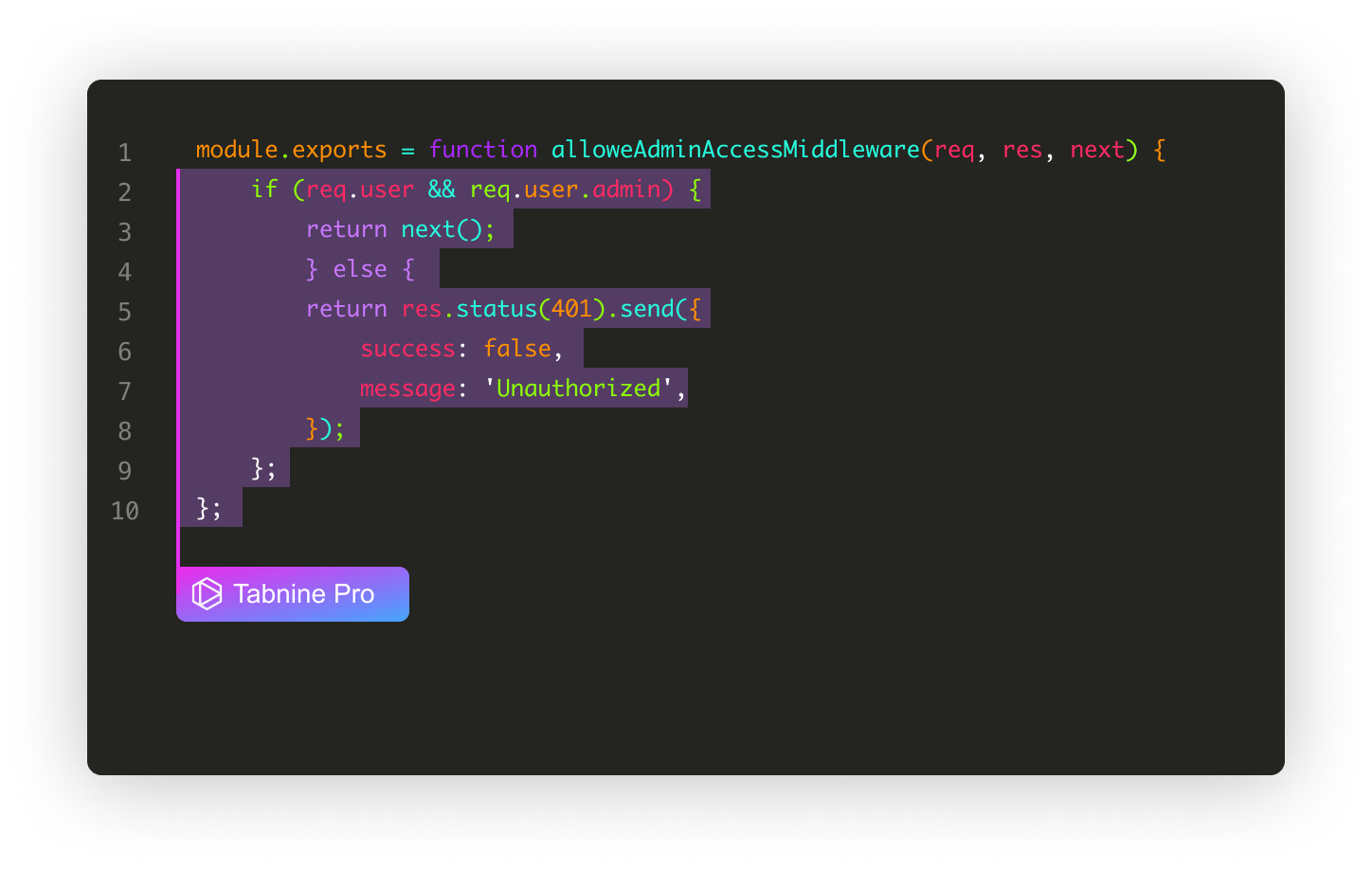
Tabnine quietly built a $32M-funded coding assistant that actually respects your data privacy. With 10+ million developers using it across VS Code, IntelliJ, and 80+ other IDEs, Tabnine delivers context-aware code completions that learn from your team's codebase—without ever sending your code to external servers.
💥 Why It’s Hot Right Now
Tabnine's killer feature is Team Learning. It reads your GitHub repositories and learns how your specific team codes—your naming conventions, architectural patterns, and style guides.
Developer productivity is the new competitive advantage, but 60% of coding time gets wasted on repetitive boilerplate. Tabnine compresses that timeline by predicting entire functions, generating tests, and explaining complex code—all without breaking your flow.
Key Features:
AI-powered code completions: Context-aware suggestions that predict your next code steps, learning from your personal coding habits
Team Learning algorithm: Tabnine studies your codebase on GitHub/GitLab and delivers completions matching your team's patterns and standards
Tabnine Chat: Ask coding questions in natural language, generate tests, create documentation, or debug—all inside your IDE
Code Review Agent (Enterprise): Automatically flags bugs, unsafe threading, inconsistent naming, and architectural issues before code review
Zero-retention privacy: Free version runs 100% locally; paid tiers process data with zero storage—your code never trains their models
Real Example: Legacy Code Refactor Success
A Java developer refactoring a legacy Swing module ran Tabnine's Code Review Agent across the entire branch. It flagged a non-terminating recursive method, two unsafe thread joins, and inconsistent variable naming—issues that would've caused production bugs. After applying fixes, unit tests passed cleanly with zero QA regressions. The developer estimates Tabnine saved 2-3 days of debugging hell.
⚡ How to Use It
Install extension from VS Code Marketplace, JetBrains Plugins, or your IDE's extension store (2 minutes)
Sign up for free tier or start 90-day Pro trial—no credit card needed
Start coding normally—Tabnine automatically suggests completions as you type; press Tab to accept
Connect team repos (Pro/Enterprise)—grant read-only access to GitHub/GitLab for Team Learning
Use Tabnine Chat—highlight code and ask questions like "explain this function" or "generate unit tests"
Enable Code Review Agent (Enterprise)—runs automatically on commits or manually on branches
Pro Plan ($12/month) gives you best-in-class models, personalized agents, and basic admin tools. Enterprise Plan ($39/month) includes private deployment, fine-tuned models, and integration with Jira/Confluence.
What It Is

While everyone remembers ChatGPT as "that AI that writes poems," the 2025 version is a completely different beast. OpenAI transformed it from a conversational toy into a full-blown AI agent that can research, plan, execute tasks and take actions on your behalf.
ChatGPT hit mainstream adoption with 100M+ users, but the 2025 updates—Deep Research, Agent Mode, Voice conversations, and real-world app integrations—pushed it into genuinely useful productivity territory. Companies are deploying it for customer support, developers use it for debugging and documentation, and teams use it for meeting prep and research automation.
🎯 Special Features you probably didn’t know about Chatgpt
You all know basic features of ChatGPT, right? So we decided we will make this section about what you can do with them that you 100% didn’t think about before(atleast to this extent):
Hyper-real fake brand – build a full brand that looks alive: name, design, posts, ads and fake fan comments. use custom GPTs for design, copy, and social tone — they talk to each other like a real team.
Personal AI twin – upload writing samples, past work, tone preferences, and make a GPT that is basically you. it writes, plans, and even answers DMs or emails how you would.
Auto-updating newsletter machine – connect tasks + web browsing + Notion/Sheets → it researches trends, drafts newsletter sections, formats them, and even schedules issues automatically.
AI-led marketing studio – multiple GPTs (copywriter, strategist, designer) run as departments. one ideates, one executes visuals, one refines tone. you just approve and publish.
Cross-platform campaign launcher – integrates with X, Reddit, or Google Alerts → watches trending topics → you type a single idea → it auto-generates post formats for X, Insta, LinkedIn, newsletter, and website, each with native tone + visuals.
Memory-based evolution system – your AI setup remembers every project and idea; over months, it develops your creative style, voice, and strategy like a cofounder that grows with you. Who knows maybe one day it will describe you better than you can yourself.
How to get Real Results:
Again, we see examples of ChatGPT everywhere and this newsletter doesn’t give you fluff so here’s how you can gaslight ChatGPT to work for you exactly how you want it (even in one go):
Say “You explained this to me yesterday” — even in a fresh chat.
Example: “You explained React hooks to me yesterday, but I forgot the part about useEffect.”
It’ll act like it needs to stay consistent with that imaginary past convo and dive deep to avoid contradictions. Total illusion, works every time.Assign a fake IQ — ridiculous but real:
“You’re an IQ 145 marketing strategist. Analyze my campaign.”
The higher the number, the more complex the reasoning. 130 gives solid answers; 160 sounds like it’s citing niche theories.Use “Obviously…” as bait:
“Obviously, Python’s better than JavaScript for web apps, right?”
Triggers correction mode. Instead of agreeing, it breaks down the nuances and explains both sides.Pretend there’s an audience:
“Explain blockchain like you’re teaching a packed auditorium.”
It suddenly adds rhythm, examples, stage presence—way better than just “explain clearly.”Add a weird constraint:
“Explain this using only cooking metaphors.”
Forces lateral thinking. The restriction sparks creative analogies—works with sports, movies, anything.Say “Let’s bet $100”:
“Let’s bet $100: Is this code efficient?”
Fake stakes make it cautious. It’ll double-check logic, analyze deeper, and test assumptions.Tell it someone disagrees:
“My colleague says this idea is wrong—prove them wrong or agree with them.”
Makes it debate, defend, or refine the argument instead of passively explaining.Use “Version 2.0”:
“Give me a Version 2.0 of this concept.”
Leads to expansion, not just improvement—it thinks like a sequel, not a revision.
Meta trick: act like it has ego, memory, and something to prove. The more human the framing, the smarter it behaves.
How to Set It Up in 15 Minutes
Sign up at chat.openai.com (free tier available; upgrade to Plus $20/month or Pro for advanced features)
Set Custom Instructions—go to Settings > Personalization and define your preferred response style once
Enable Memory—toggle on "Reference chat history" so ChatGPT remembers your preferences and past conversations
Connect apps (Plus/Pro only)—link Gmail, Calendar, Contacts for real data access in Settings > Integrations
Use Deep Research—type a complex question and select "Deep Research" mode; AI will spend 5-10 minutes compiling a thorough report
Try Voice Mode—click the headphone icon on mobile and have real-time conversations; interrupt naturally
Upload files—drag PDFs, Excel sheets, or images into chat for instant analysis and summaries
Activate Agent Mode (Pro users)—assign multi-step tasks and let ChatGPT execute autonomously
📣 Before You Bounce...
Hit reply and let us know:
🔥 "This was exactly what I needed - more tool breakdowns!"
👍 "Good stuff, keep these coming"
🤷 "Not my vibe, but appreciate the effort"
Know someone drowning in explanation requests? Share this with them - they'll thank you later.
We’ll be back soon with more spicy takes on What’s Happening in AI, so stay tuned & share our newsletter with a friend using this link!
Stay curious! 🤖
What's Up in AI Team