- What's Up in AI
- Posts
- Make AI work for you to automate & produce more output in less time
Make AI work for you to automate & produce more output in less time
Use these tools and become 10x productive at work

What's Up in AI
January 04, 2026
In partnership with


Welcome Back, AI Geeks!
This is Edition #15 of the Weekly Tool Deep Dive 🔍️
Today's issue covers 3 tools that eliminate the busy work you've been tolerating for too long—task updates, content consumption, and email sequences.
Each tool comes with real use-cases you can copy-paste and examples of how people are reclaiming hours every week. No fluff, just execution.
Your challenge: Pick one tool and run it for 30 minutes this week
Your competitors are already automating. Here's the data.

Retail and ecommerce teams using AI for customer service are resolving 40-60% more tickets without more staff, cutting cost-per-ticket by 30%+, and handling seasonal spikes 3x faster.
But here's what separates winners from everyone else: they started with the data, not the hype.
Gladly handles the predictable volume, FAQs, routing, returns, order status, while your team focuses on customers who need a human touch. The result? Better experiences. Lower costs. Real competitive advantage. Ready to see what's possible for your business?

What It Is
While most productivity tools require opening another app, Notis (launched 2024, 8,000+ users) works entirely through WhatsApp, iMessage, or Telegram. Your AI intern that updates tasks, calendar, emails, CRM, expenses, and bug trackers—all from text messages. No context switching, just text what needs to happen.
Why People Love It
Notis connects to 50+ tools through one messaging interface. A startup founder manages their day without a laptop—messages like "Add follow-up with Sarah to Friday 2pm" get executed instantly across Notion, Linear, HubSpot, and Google Calendar.
Key Features:
Messaging-Native Interface - works through WhatsApp, iMessage, Telegram; update everything from existing chat apps
Multi-Action Execution - handles complex requests: "Schedule call, add to CRM, create meeting notes in Notion" in one command
50+ Tool Integrations - connects Notion, Linear, HubSpot, Google Calendar, Gmail, Slack, Asana, QuickBooks automatically
Real Example: Running Operations From a Phone

A SaaS founder traveling for fundraising managed their 4-person team through WhatsApp. Commands like "Add bug to Linear P1," "Move design review to Thursday," "Log dinner expense," "Post update to Instagram." Zero laptop opens, 3 hours saved daily.
How to Set It Up in 15 Minutes
Sign up at notis.ai (free trial, then $29/month)
Connect messaging - link WhatsApp, iMessage, or Telegram
Link your tools - Google Calendar, Notion, Linear, HubSpot, Slack
Send first command - "Add meeting with John tomorrow at 2pm"
Watch execution - Notis confirms and shows changes
Build habits - text updates instead of opening apps

What It Is
While most people spend hours consuming content, Mapify (launched 2024, 100,000+ maps created) converts YouTube videos, PDFs, and web pages into structured mind maps instantly. Turning 2-hour videos into scannable visual structures in under 60 seconds.
Why It's Hot Right Now
Mapify organizes information into hierarchical nodes—main concepts, subconcepts, timestamps. A product marketer turned 12 competitor demo videos (18 hours total) into comparison mind maps in 20 minutes.
Key Features:
Multi-Format Processing - converts YouTube videos, PDFs, web articles, audio into structured mind maps automatically
Timestamp Linking - click any concept node to jump to exact video moment or document section
Pattern Recognition - identifies recurring themes across multiple sources for instant comparison and synthesis
Real Example: Research in Minutes Not Hours
A content strategist researching "AI in healthcare" had 15 articles and 8 YouTube videos bookmarked. Traditional approach: 12+ hours. With Mapify: uploaded all sources, received hierarchical maps in 25 minutes. Identified 3 main trends, found contradicting claims, created comparison framework—without watching a single full video.
How to Set It Up in 10 Minutes
Sign up at mapify.so (free tier available, Pro $12/month)
Upload content - paste YouTube URL, upload PDF, or enter article link
Wait for processing - typically 30-90 seconds depending on content length
Review mind map - hierarchical structure with all key concepts organized
Click nodes - jump to exact timestamps in videos or sections in documents
Export or share - download to Notion, Obsidian, or standard mind map format.
What It Is
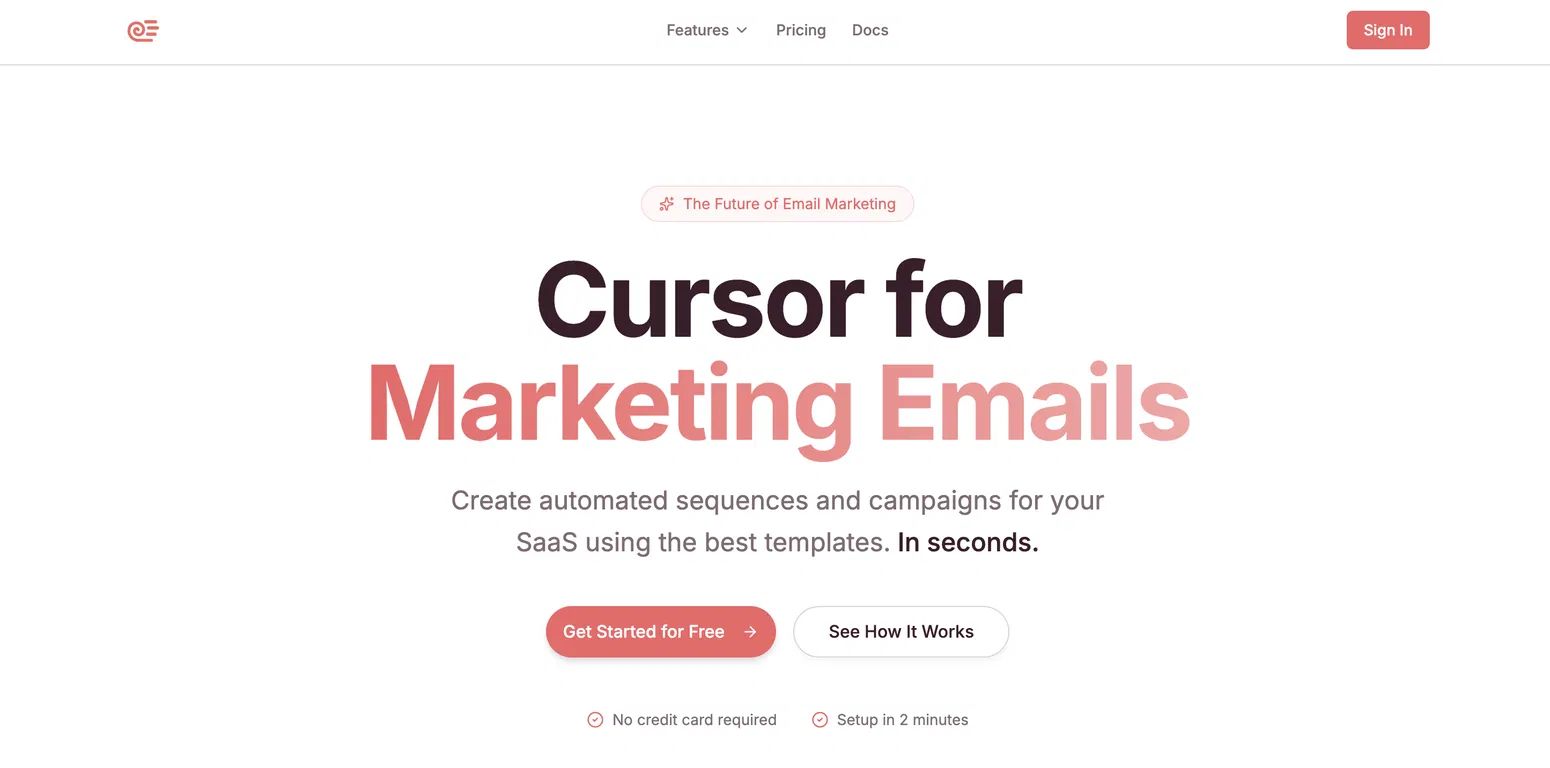
While most email tools require manual sequence building, Sequenzy (launched 2024, 3,000+ SaaS teams) works like Cursor for emails—AI-powered automation that creates campaigns using proven templates. Built specifically for SaaS onboarding, trial conversion, retention, and reactivation.
Why People Love It
Sequenzy's template library includes 50+ proven SaaS sequences with conversion data. A B2B SaaS founder deployed a 7-email trial sequence in 15 minutes that previously took 2 days. AI personalizes based on user behavior—features used, where they got stuck, engagement patterns.
Key Features:
Proven Template Library - 50+ pre-built SaaS sequences with conversion benchmarks for onboarding, trials, retention, upsells
Behavioral Triggers - sends emails based on actions: feature usage, login frequency, upgrade signals, churn risk
AI Copywriting - generates personalized email copy based on your product, audience, and user behavior data
Real Example: Trial Conversion in 15 Minutes
A SaaS startup with 14-day trials had no automation—just a generic "trial ending" reminder. Used Sequenzy's trial conversion template, customized in 15 minutes. 7-email sequence: welcome, quick-win tutorial, feature highlights, social proof, upgrade incentive, urgency reminder, final offer. Trial-to-paid conversion jumped from 8% to 14% in first month.
How to Set It Up in 20 Minutes
Sign up at sequenzy.io (14-day free trial, then $79/month)
Choose template - pick from trial conversion, onboarding, feature adoption, churn prevention
Connect data - integrate with your product analytics (Segment, Mixpanel, Amplitude) for behavioral triggers
Customize copy - AI generates emails, you tweak for brand voice and specific features
Set triggers - define when emails send based on user actions or time delays
Launch sequence - activate and monitor performance in real-time dashboard
What do Tom Brady, Alex Hormozi, and Jay Shetty all have in common?

They all have newsletters.
If you’re building a personal brand, social can only take you so far. Algorithms glitch. Reach tanks. But a newsletter gives you real ownership and revenue.
That’s why we built a free 5-day email course that shows you how to grow and monetize with sponsorships, digital products, and B2B services.
Usually we charge $97, but for the next 24 hours it’s free. Sign up for the course today.
📣 Before You Bounce...
Hit reply and let us know:
🔥 "This was exactly what I needed - more tool breakdowns!"
👍 "Good stuff, keep these coming"
🤷 "Not my vibe, but appreciate the effort"
Know someone drowning in explanation requests? Share this with them - they'll thank you later.
We’ll be back soon with more spicy takes on What’s Happening in AI, so stay tuned & share our newsletter with a friend using this link!
Stay curious! 🤖
What's Up in AI Team